Aim Trainer

Hit 30 targets as quickly as you can.

Click the target above to begin.

Aim training guide

Aim training that explains what to practice

Use the playable trainer first, then read how each drill supports flick accuracy, tracking control, reaction time, and FPS mouse control.

Browser aim training

Practice aim without leaving the browser

A browser aim trainer gives you a clean place to warm up before a match, test reaction speed, and repeat the same mouse movement without loading a full FPS game. The goal is not to replace in-game practice; it is to make your first clicks, target reads, and crosshair stops more consistent.

  • Start instantly in the browser with no account required.
  • Use short runs to compare average time instead of one lucky shot.
  • Keep the game area focused so every click is part of the drill.
Browser aim trainer screen with a target and mouse cursor
Choose the right drill

Train the aim skill you actually need

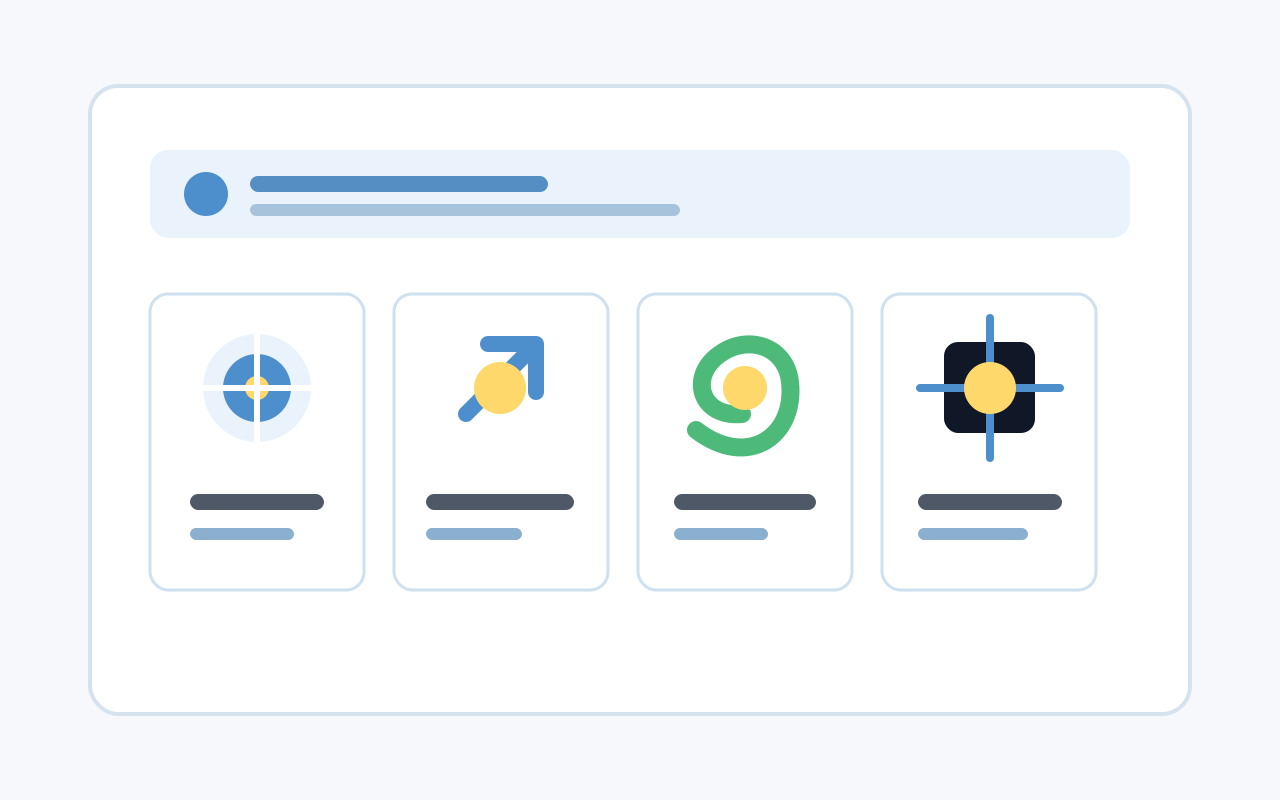
Different aim problems need different drills. Gridshot builds target switching rhythm, Microflick focuses on tiny corrections, Spidershot trains larger flick paths, Tracking rewards smooth pressure, and FPS 3D adds desktop camera control.

  • Use Gridshot when you want fast target switching and reset rhythm.
  • Use Microflick and Spidershot to separate small and wide flicks.
  • Use Tracking when your goal is steadier crosshair control.
Aim trainer mode cards for flicking, tracking, and FPS practice
FPS mouse control

Connect 2D drills with FPS camera control

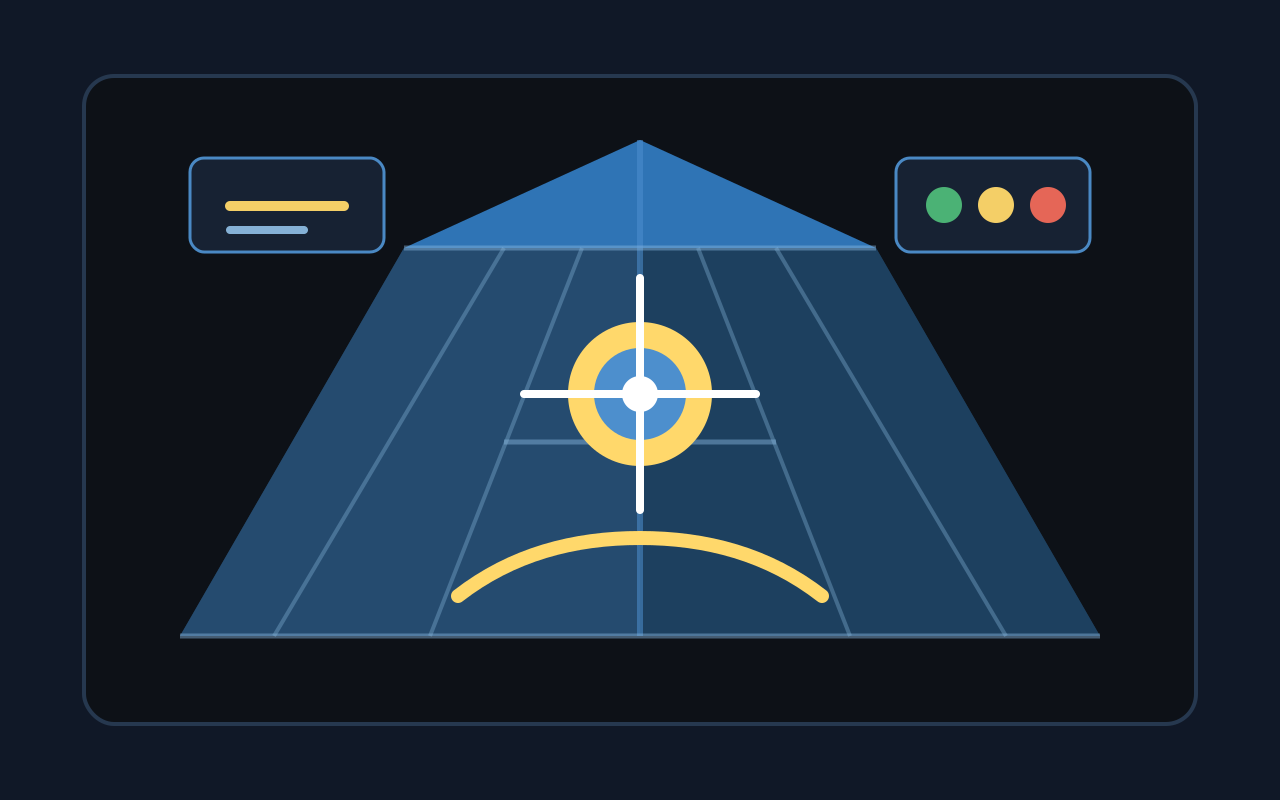
FPS aim is not only about clicking circles. Your hand also needs to manage crosshair placement, fast camera movement, small corrections, and smooth tracking under pressure. The FPS 3D mode gives desktop players a pointer-lock space that feels closer to common shooter controls.

  • Use 2D drills to isolate click timing and clean stopping power.
  • Use FPS 3D to practice mouse control with camera movement.
  • Transfer the routine into your game with a short warm-up before queues.
FPS 3D aim training arena with crosshair and target
Daily routine

Keep practice short enough to stay accurate

A useful aim routine is repeatable and easy to finish. Five focused minutes before playing can build better habits than a long session where you start missing, tense your hand, and keep grinding for a high score.

  • Warm up with the quick hero drill or one focused mode.
  • Track several averages before judging whether you improved.
  • Lower speed when accuracy drops and rebuild clean movement.
Aim training routine chart showing short sessions and steady progress

For best results, choose one skill to practice, run several short sessions, and stop when accuracy drops enough that you are only chasing speed.

Training modes

Train the part of aim you actually want to improve

Each drill isolates a different part of mouse control so practice feels specific instead of random.

Microflick precision

Small targets near your crosshair help train fine corrections and steady click timing.

Spidershot flicks

Wide target paths force fast reads, clean resets, and confident flicks back through center.

Tracking control

Moving targets reward smooth hand speed, stable pressure, and fewer over-corrections.

FPS 3D practice

Desktop pointer-lock practice gives FPS players a familiar space for mouse control transfer.

Start with the quick hero drill, then rotate modes to avoid training only one aim habit.

Practice guide

How to make aim practice useful

Good aim practice is repeatable. Keep runs short, read the target before moving, and stop when accuracy collapses.

01

Start slow enough to hit cleanly

Build a baseline where most clicks land. Speed is useful only when the movement still ends on target.

02

Use short daily sessions

Five focused minutes before playing is easier to repeat than one long session that creates sloppy habits.

03

Compare averages, not one lucky run

Track your average time per target over several runs so progress reflects consistency, not a single spike.

04

Match the drill to the game

Use microflicks for small corrections, tracking for spray control, and FPS 3D for desktop mouse feel.

Trainer facts

Simple practice, clear feedback

No inflated user counts or fake growth claims, just the facts of the trainer on this page.

30

Targets in the quick drill

5

Shooting drill pages

0

Account required to practice

FAQ

Aim trainer questions